Written By

Sonju Ghosh
Growth Lead
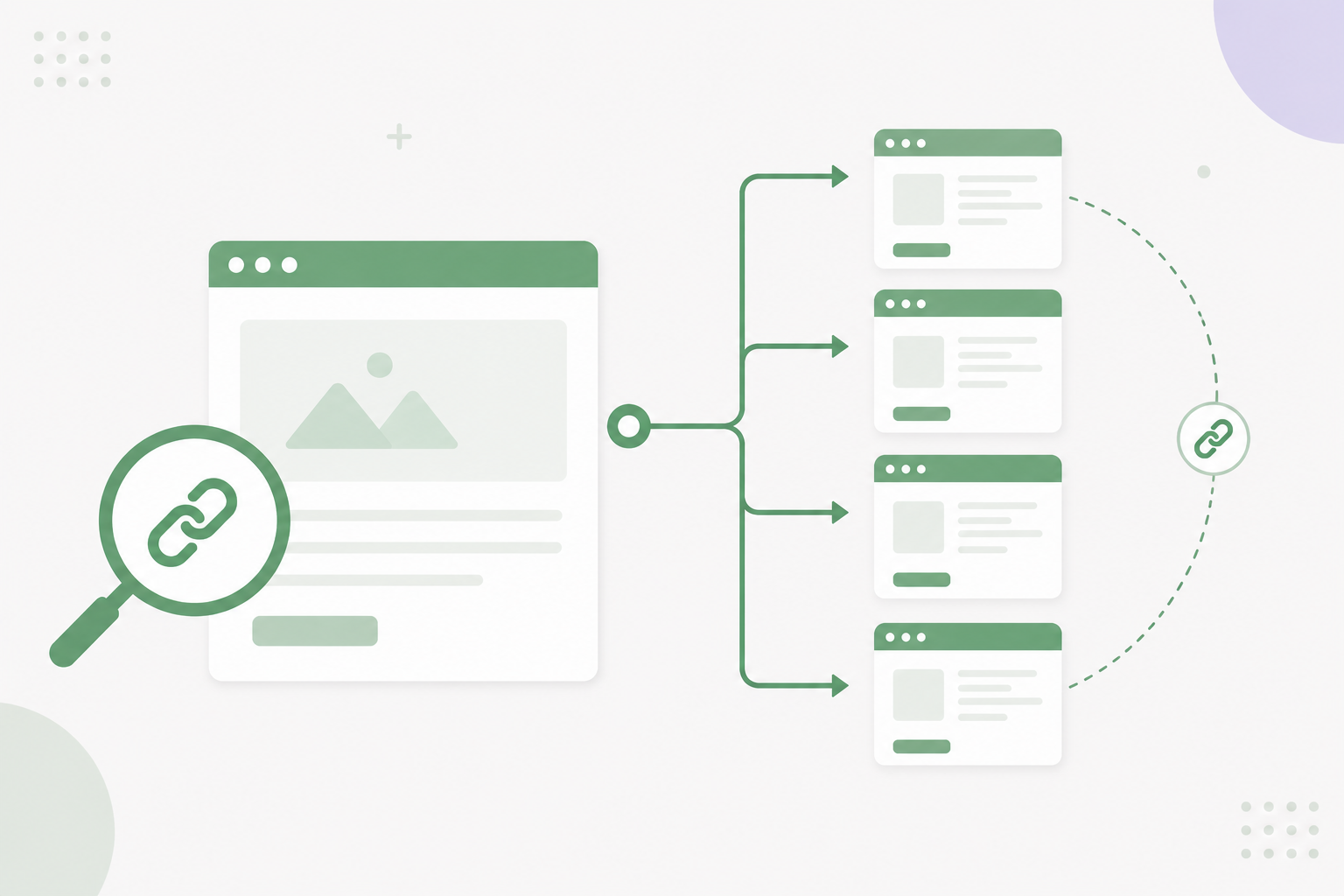
Manually finding all the internal links on a webpage can be difficult, especially if you manage a large website. However, using an internal links extractor makes the process fast, accurate, and effortless.
As an SEO specialist, building a strong internal linking structure and regularly auditing internal links should be a top priority. A well-organized structure improves page authority and helps boost your website's organic rankings in Search Engine Results Pages (SERPs). That said, checking internal links manually is time-consuming and often impractical.
In this guide, we'll show you how tools like Dofollo help you quickly audit internal links, discover new linking opportunities, and strengthen your SEO performance with minimal effort.
💡Is link equity leaking from your best pages? Dofollo finds it free — no credit card, no setup time.
Start Free AuditWhat Is an Internal Link?
Before going further, it's important to understand what internal links are and why they matter for SEO.
Internal links are hyperlinks that connect one page of your website to another page within the same domain. Their main purpose is to guide users through your content while passing link authority between pages, which helps improve search rankings.
For example, if you click a link inside this article and it takes you to another page on the same website, that's an internal link. But if the link takes you to a different website, it's considered an external link.
The Impact of an Internal Linking Strategy on SEO
According to John Mueller, internal links are one of the most powerful ways to guide both users and search engines to your most important pages.
A well-planned internal linking strategy can:
- Pass page authority between pages
- Help search engines navigate your content easily
- Improve crawlability and indexing
- Increase user engagement and on-page time
Internal Linking Helps Pass Page Authority
Google uses the E-E-A-T framework to evaluate page quality, where authoritativeness plays a major role. One way Google measures this authority is through backlinks ? both internal and external.
By linking from high-ranking pages to newer or weaker pages, you pass link equity and help those pages rank faster. For instance, if an established page links to your newly published blog, it transfers authority and improves its chances of appearing higher in search results.
Internal Links Help Search Engines Navigate Your Website
Even with an XML sitemap, search engines may take time to discover all your pages, especially on large websites. Adding relevant internal links ensures search engine bots can easily find and understand your content structure. This makes indexing faster and more efficient.
Internal Linking Improves Crawlability
When you publish new content, search engines don't always prioritize it immediately due to limited crawl budgets. A strong internal linking structure helps bots reach those pages faster, ensuring they get crawled and indexed without delay.
Internal Links Increase On-Page Time
Internal links also improve user experience. When visitors find related content through helpful links, they naturally explore more pages. This increases session duration, reduces bounce rate, and often leads to better conversions ? all positive signals for SEO.
What Is an Internal Links Extractor?
An internal links extractor is a tool that scans a webpage and identifies all internal backlinks automatically.
For large websites or SEO agencies managing multiple projects, manually tracking links on every page is overwhelming. With a tool like Dofollo, the process becomes simple, quick, and accurate.
How Does an Internal Links Extractor Work?
An efficient internal links extractor typically does three things:
Identify All Internal Links on a Page
It scans and collects internal links, broken links, and backlinks, helping you quickly spot issues across your entire website.
Update Internal Links Automatically
When new links are added to your pages, the tool updates the internal structure automatically, keeping everything organized without manual checks.
Suggest Linking Opportunities
For newly published pages, it recommends relevant internal backlinks you can add to improve rankings and authority.
How to Find Internal Links Manually
If you prefer not to use tools, you can still check links manually by visiting each page and reviewing every hyperlink. However, this method is slow and impractical for larger websites.
A better alternative is using Google Search Console, which provides an overview of your linking structure.
Step 1
Open your website property and go to the Links section.
Step 2
View internal and external links along with your top linked pages.
However, Search Console has limitations. It often counts footer links, pagination, and tags, which can inflate numbers. It also doesn't track backlinks or suggest new internal linking opportunities. That's why many SEO professionals prefer dedicated internal links extractor tools.
Quickly Find All Internal Links of a Page with Dofollo
Manually auditing internal links and finding new opportunities can take hours. Fortunately, Dofollo simplifies the entire process.
It provides a visual overview of your internal linking structure, allowing you to see incoming and outgoing links for any page at a glance.
Additionally, its AI suggests relevant internal linking opportunities. Instead of editing multiple posts manually, you can simply click "Add," and the links are placed automatically.
This is especially useful for new pages, helping them gain authority quickly. Plus, Dofollo tracks your backlinks and campaign spending in one dashboard, saving you even more time.
Conclusion
A strong internal linking strategy directly improves page authority, crawlability, and search rankings.
While manually finding internal links can be tedious, using an internal links extractor makes the process fast and efficient. Tools like Dofollo help you discover links, fix issues, and uncover new opportunities without extra effort.
About The Author